
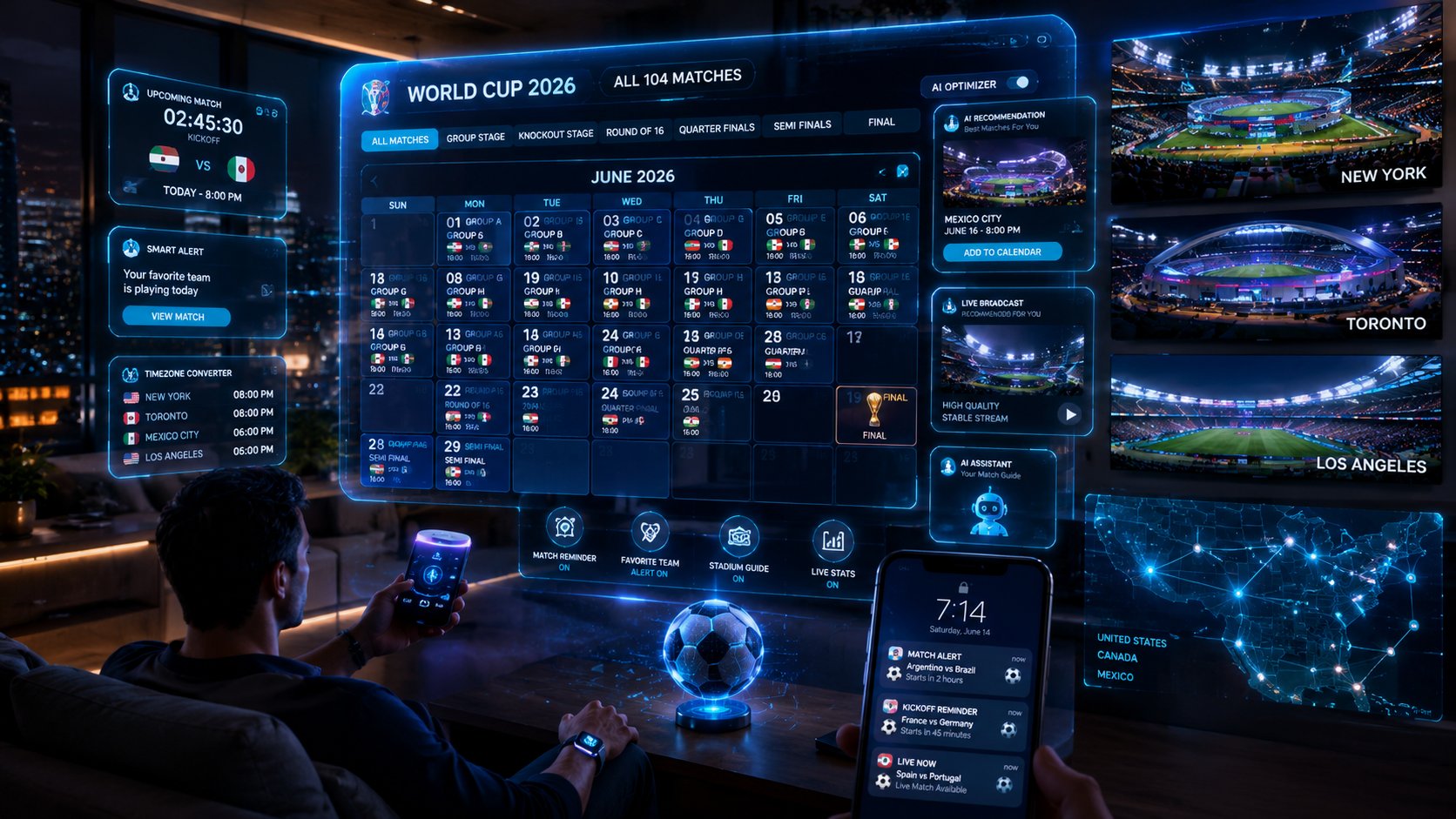
AI-Powered World Cup 2026 TV Schedule: All 104 Matches With Smart Alerts
104 matches. 16 cities. Three countries. Six time zones. And if you’re watching from Europe, Australia, or anywhere east of New York — you’re doing mental maths on kick-off times for the next 39 days.
The 2026 World Cup is the biggest, most logistically complex football tournament ever staged. And while the football itself will be incredible, keeping track of what’s on when — and on which channel — is genuinely confusing.
This is where AI tools step in. Not to predict the scores (we’ve got a whole other page for that), but to handle the scheduling headache so you don’t have to.
The World Cup 2026 Schedule at a Glance
Here’s the structure of the tournament:
- Group Stage: June 11 – June 27, 2026 — 72 matches across all 16 host cities
- Round of 32: June 29 – July 3, 2026 — 16 matches
- Round of 16: July 5 – July 8, 2026 — 8 matches
- Quarter-finals: July 10 – July 11, 2026 — 4 matches
- Semi-finals: July 14 – July 15, 2026 — 2 matches
- Third Place Play-off: July 18, 2026
- Final: July 19, 2026 — MetLife Stadium, East Rutherford, New Jersey
Kick-off times vary significantly by venue. East Coast US games typically kick off at 12pm, 3pm, or 6pm ET. West Coast games at 9pm PT. For UK viewers, that’s 5pm, 8pm, and 11pm. For Australia, you’re looking at 2am–4am AEST for most prime-time matches. Painful but manageable with the right alerts.
How to Use AI to Never Miss a Kick-Off
Here’s the thing about AI calendar tools — they’ve gotten surprisingly good at handling exactly this kind of structured scheduling problem. Let me walk you through a few approaches that actually work.
Google Calendar + Gemini AI
Google’s Gemini AI is integrated into Google Calendar. You can tell it: “Add all England World Cup 2026 matches to my calendar with notifications 30 minutes before kick-off, converting kick-off times to UK time.”
It pulls the fixture data, converts time zones, and creates calendar events automatically. You get a notification on your phone before every England game without having to set up a single event manually.
For the group stage this is especially useful — three group games per team, spread across two weeks, at varying times. Getting that wrong means waking up at the wrong hour or missing the first half entirely.
ChatGPT for Custom Schedule Filtering
Paste the full fixture list into ChatGPT and ask it to filter by your criteria. Some examples that work well:
- “Show me all matches involving USA, Mexico, or Canada with kick-off times in PT”
- “Which matches in the quarter-finals and beyond could involve Brazil vs France?”
- “What are the earliest and latest kick-off times for matches in Los Angeles?”
What’s interesting here is that AI doesn’t just filter — it can reason about the bracket. It knows that a team in Group A plays teams from specific groups in the round of 32, so it can tell you which potential knockout matches to watch even before the group stage is done.
Claude for Full Personalised Schedule
Claude handles longer-form scheduling requests particularly well. You can give it your time zone, your teams of interest, your preferred broadcasters, and ask it to build a complete personalised viewing guide from June 11 to July 19.
The output is a structured document — not just a list of times, but a proper guide that includes broadcaster info, whether the match is on free-to-air or subscription TV, and any time zone conversion you need.
Setting Up Smart Alerts on Your Phone
Beyond calendar AI, a few apps handle World Cup alerts particularly well in 2026:
FIFA Official App
The official FIFA app has push notifications for every match. You can follow specific teams and get alerts for kick-off, goals, half-time, and full-time. It’s not technically “AI” in the buzzword sense, but the personalisation layer uses ML to prioritise your most-watched teams.
Google Assistant / Siri
Both voice assistants can answer real-time questions during the tournament. “Hey Google, when does Brazil play next?” or “Siri, what’s the score in the England game?” These are simple but genuinely useful when you’re away from a screen.
Apple Shortcuts with AI
For iOS users, you can build an Apple Shortcut that checks a World Cup API for your team’s next match and displays the time and broadcaster. Not everyone will want to set this up, but if you’re into automation it takes about 10 minutes and works reliably throughout the tournament.
TV Channels by Country — Quick Reference
| Country | Free-to-Air | Streaming |
|---|---|---|
| 🇺🇸 USA | Fox, Telemundo | Fubo, Hulu Live |
| 🇬🇧 UK | BBC, ITV | BBC iPlayer, ITVX |
| 🇨🇦 Canada | CBC | CBC Gem, TSN |
| 🇦🇺 Australia | SBS | Optus Sport |
| 🇮🇪 Ireland | RTÉ, Virgin Media | RTÉ Player |
The One AI Tool That Ties It All Together
If you want a single, no-hassle solution: paste the World Cup 2026 fixture list into your AI assistant of choice, tell it your country, your teams, and your preferred notification method — and let it build you a complete schedule.
It sounds basic, but most people won’t do this. Which means they’ll miss kick-offs, get times wrong across time zones, and scramble to find the right channel five minutes before a big game.
39 days is a long tournament. Having a proper AI-assisted schedule from day one makes the whole experience significantly better. And given how much good football is about to happen — that’s worth five minutes of setup.
➡️ Want to see AI predictions for every match? Check out our free AI World Cup 2026 Predictor — updated daily.
Get the AI prediction for every World Cup 2026 match
Win probabilities, projected scores & where to watch — straight to your inbox every morning of the tournament. Free, no spam.