
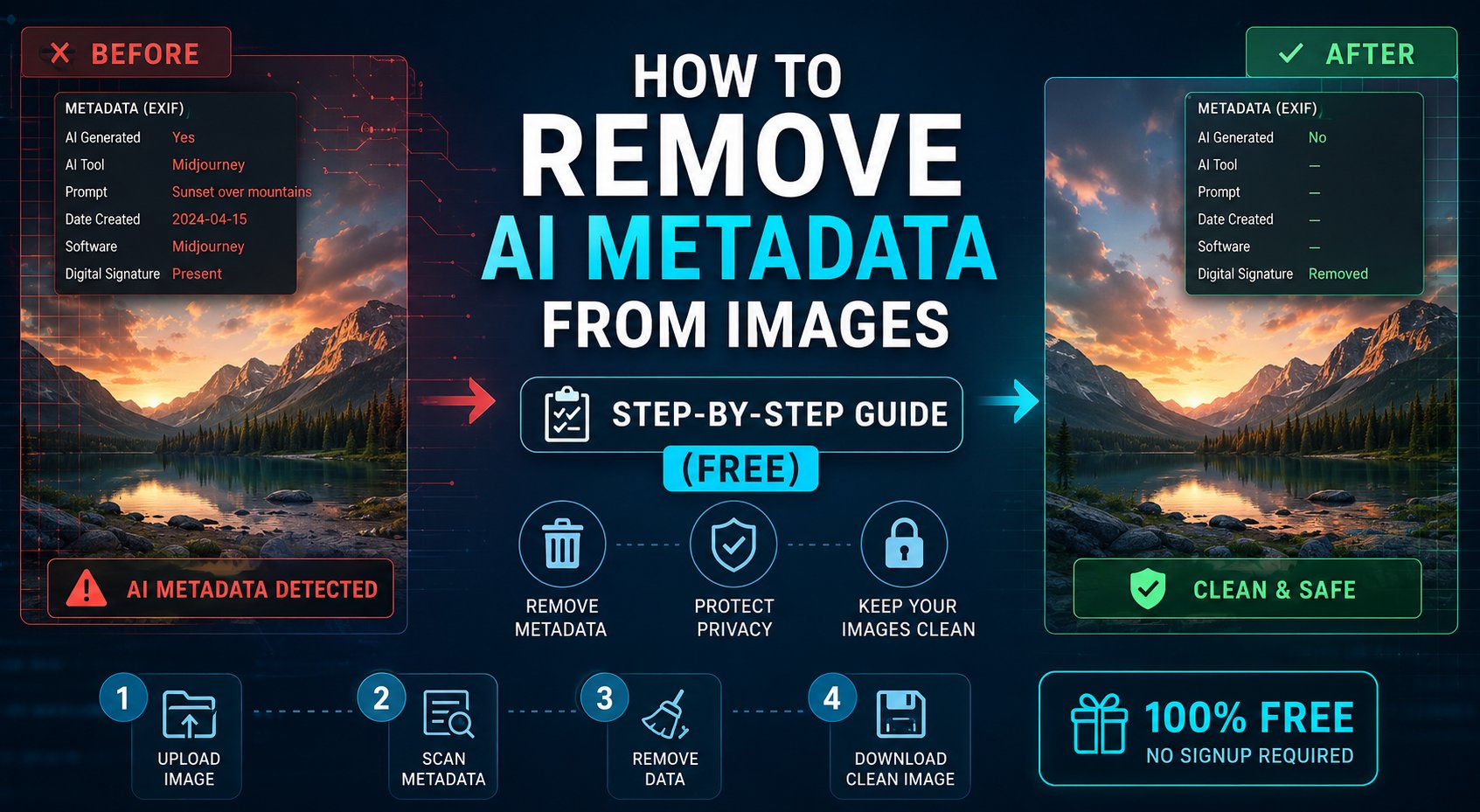
How to Remove AI Metadata from Images — Step-by-Step Guide (Free)
If you have ever generated an image with an AI tool and wondered what invisible information it carries — or wanted to remove that information before sharing your work — this guide is for you.
In 2026, AI-generated images from tools like Midjourney, DALL-E, Adobe Firefly, and Stable Diffusion all embed identifying metadata in the file. Here is exactly how to remove it, step by step, using free methods.
Why Remove AI Metadata?
Before we get to the how, here is why you might want to:
- Privacy — metadata can reveal which AI tool you used, your prompt, and generation settings
- Platform compatibility — some platforms flag or reject images with AI metadata
- Professional publishing — stock photo sites, news agencies, and brands often require clean metadata
- File size reduction — stripping metadata can reduce file size by 5–20%
- Consistency — maintaining uniform metadata standards across a portfolio
Method 1: Use Our Free Browser Tool (Recommended)
The fastest and most thorough way to remove AI metadata is to use a dedicated tool built specifically for this purpose.
Our free tool works entirely in your browser — your image is never uploaded to a server. It removes:
- ✅ C2PA content credentials
- ✅ EXIF data (software, camera, GPS, timestamps)
- ✅ XMP metadata (AI model, generation parameters)
- ✅ IPTC fields (creator, copyright, description)
Step 1: Go to the AI Metadata Remover tool
Step 2: Drag and drop your image or click to upload
Step 3: Click “Remove Metadata”
Step 4: Download your clean image
That is it. The entire process takes under 10 seconds.
Method 2: ExifTool (Command Line — Advanced)
ExifTool is a free, open-source tool used by professionals to read and write image metadata. It is more powerful but requires basic command-line knowledge.
Installation: Download from exiftool.org
Remove all metadata from a single image:
exiftool -all= image.jpgRemove all metadata from an entire folder:
exiftool -all= -r /path/to/folder/Remove all metadata and overwrite original:
exiftool -all= -overwrite_original image.jpgMethod 3: Photoshop (Export As)
If you use Adobe Photoshop, you can strip metadata when exporting:
Step 1: Open your image in Photoshop
Step 2: File → Export → Export As
Step 3: Uncheck “Metadata” in the export options
Step 4: Click Export
Note: Photoshop’s export may not remove C2PA credentials embedded by Adobe Firefly — use Method 1 or 2 for complete removal.
Method 4: Windows Built-In (Basic)
Windows has a basic metadata removal tool built in:
Step 1: Right-click the image → Properties
Step 2: Details tab
Step 3: Click “Remove Properties and Personal Information”
Step 4: Select “Remove the following properties from this file” → check all → OK
Limitation: This removes EXIF data but does NOT remove C2PA credentials or deep XMP AI metadata.
Method 5: Online Tools (Quick, No Installation)
Several online tools can strip basic metadata:
- Verexif.com — removes EXIF, basic web tool
- IMGonline.com.ua — batch processing available
- Our tool — removes all AI-specific metadata including C2PA
How to Verify the Metadata Was Removed
After removing metadata, verify it worked:
- Upload the cleaned image to contentcredentials.org — it should show no credentials
- Right-click → Properties → Details — fields should be blank or minimal
- Run
exiftool image.jpg— output should show no AI-related fields
Remove AI Metadata in Seconds — Free
No upload. No registration. Works on JPEG, PNG, WebP. Removes C2PA, EXIF, XMP, IPTC.