
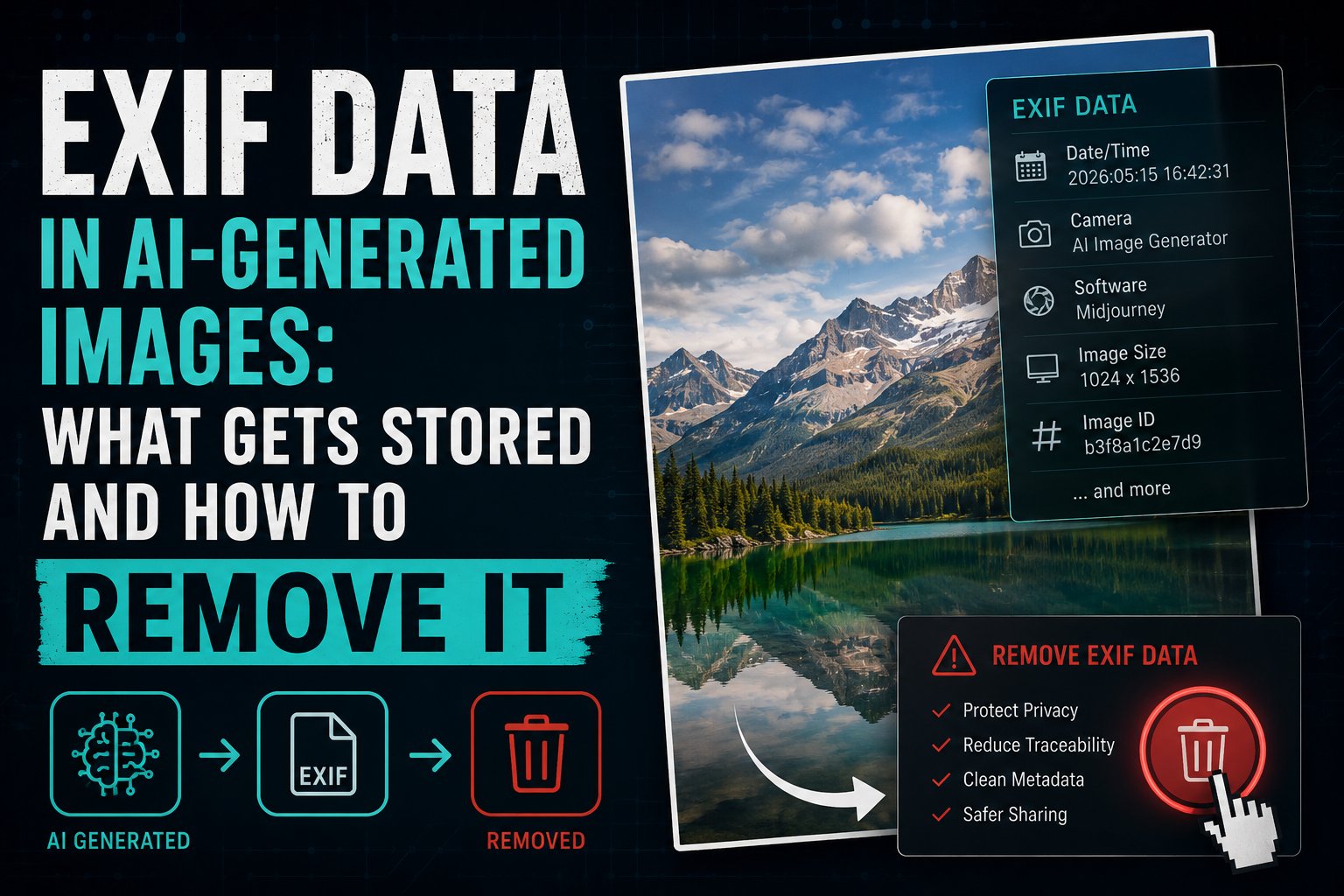
EXIF Data in AI-Generated Images: What Gets Stored and How to Remove It
When you open the properties of a photo on your computer, the EXIF data tells you the camera model, lens, shutter speed, and GPS location. For AI-generated images, EXIF data tells a different story — and often a more revealing one than most creators realise.
What Is EXIF Data?
EXIF (Exchangeable Image File Format) is a standard for storing metadata in image files. Originally designed for digital cameras, EXIF data is now written by virtually every application that creates or processes images — including AI generators.
What AI Tools Store in EXIF Fields
Midjourney
Software: “Midjourney” with version numberImageDescription: Often contains the original promptXMP:CreatorTool: Generation engine identifierXMP:HistorySoftwareAgent: Full Midjourney version string
DALL-E / ChatGPT
Software: “DALL-E” or “OpenAI Image Generator”C2PA Manifest: Full content credentials (separate from EXIF but in same file)XMP:CreatorTool: OpenAI model identifier
Stable Diffusion
PNG:Parameters: The complete prompt, negative prompt, seed, sampler, CFG scale, and model checkpoint name — all stored in plain textSoftware: The WebUI or API used (AUTOMATIC1111, ComfyUI, etc.)
Adobe Firefly
XMP:CreatorTool: “Adobe Firefly”XMP:DigitalSourceType: “http://cv.iptc.org/newscodes/digitalsourcetype/trainedAlgorithmicMedia”- Full C2PA manifest with Adobe’s cryptographic signature
Why Stable Diffusion Is the Biggest Privacy Risk
Among all generators, Stable Diffusion (via AUTOMATIC1111 and ComfyUI) is the most verbose. By default, it stores your complete prompt in the PNG metadata as plain text. Anyone who receives your image and reads the metadata can see exactly what you typed.
If your prompt contains sensitive subjects, private references, or simply creative ideas you do not want shared, this is a significant privacy issue that most SD users are unaware of.
How to View EXIF Data in AI Images
- Windows: Right-click → Properties → Details
- Mac: Preview → Tools → Show Inspector (⌘I) → EXIF tab
- ExifTool:
exiftool image.pngshows everything - Online: Jeffrey’s Exif Viewer, Exif.tools
How to Remove EXIF Data from AI Images
The fastest method for most users is our free browser-based tool, which removes all EXIF fields along with XMP, IPTC, and C2PA data in one step — without uploading your image to any server.
For developers and advanced users, ExifTool is the most comprehensive option:
exiftool -all= image.png -overwrite_originalFor PNG files specifically — where Stable Diffusion embeds prompts — also run:
exiftool -PNG:Parameters= image.png -overwrite_originalStrip All EXIF Data from AI Images — Free
Including hidden prompt data from Stable Diffusion, C2PA from DALL-E and Firefly, and model identifiers from Midjourney.