How to Remove DALL-E Metadata and Content Credentials (2026 Guide)
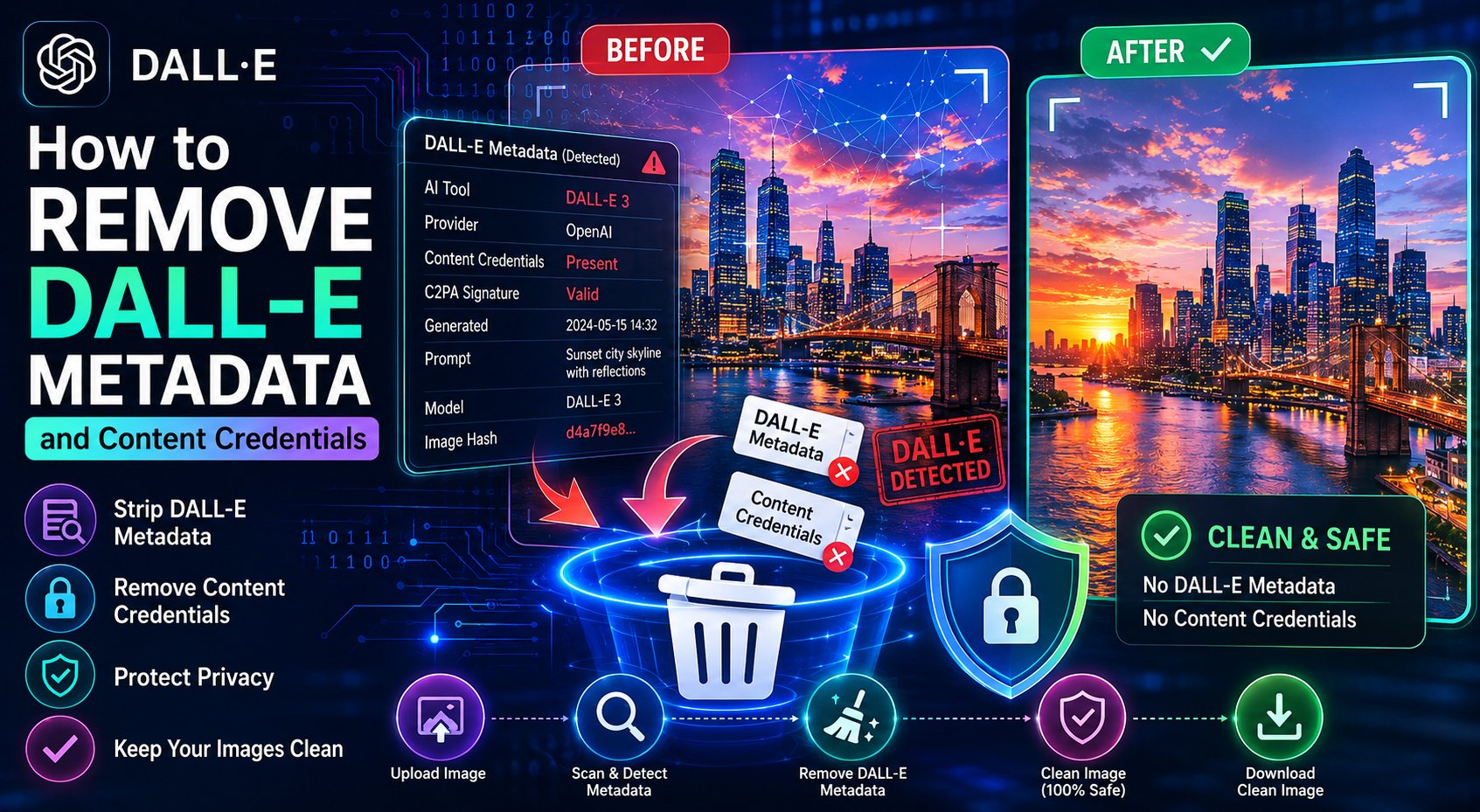
Since 2024, every image generated by DALL-E — whether through ChatGPT, the OpenAI API, or any platform built on it — carries an embedded C2PA content credential. This credential cryptographically identifies the image as AI-generated and records OpenAI as the creator tool.
If you need to remove these credentials before using your DALL-E images professionally, here is exactly how.
What DALL-E Embeds in Every Image
DALL-E images contain two layers of metadata:
1. Standard EXIF/XMP Metadata
Software: “DALL-E” or “OpenAI Image Generator”XMP:CreatorTool: OpenAI model identifier and versionXMP:DigitalSourceType: Identifies the image as “trainedAlgorithmicMedia”
2. C2PA Content Credentials (The Harder Part)
This is the more significant metadata layer. The C2PA manifest in a DALL-E image contains:
- A cryptographically signed assertion that the image was AI-generated
- The OpenAI claim generator identifier
- A timestamp of generation
- References to any input images used (for edited or variation outputs)
This manifest is visible when you upload the image to contentcredentials.org and is detected by Facebook, Instagram, LinkedIn, and Google Images to trigger “Made with AI” labels.
Why Remove DALL-E Content Credentials?
- You are submitting to a platform that automatically rejects or demotes AI-labelled images
- You want to prevent automatic “Made with AI” labels appearing on social media
- Your client or publisher requires metadata-clean image deliverables
- You are using DALL-E images in a context governed by an AI content policy that requires disclosure — and you want to handle disclosure manually rather than via automatic detection
How to Remove DALL-E Metadata (Including C2PA)
Method 1: SmartAI Metadata Remover (Recommended)
Standard EXIF removers do not handle C2PA. Our free tool specifically targets DALL-E’s C2PA manifest structure along with all EXIF and XMP fields.
- Go to the metadata remover
- Upload your DALL-E image
- Click Remove Metadata
- Download — verify on contentcredentials.org
Method 2: Re-encode via ExifTool
exiftool -all= -tagsfromfile @ -XMP:all -overwrite_original dalle-image.jpgFor complete C2PA removal including the JUMBF container:
exiftool -all= dalle-image.jpg -overwrite_originalMethod 3: Convert Format
Converting from JPEG to PNG and back using a clean conversion tool (not Photoshop, which may re-embed credentials) can strip the C2PA structure. However this approach is less reliable and involves quality loss for JPEG.
Important: Ethical and Legal Considerations
Removing AI metadata does not change the nature of the image — it is still AI-generated. In jurisdictions and contexts where disclosure of AI-generated content is legally required (EU AI Act, certain advertising standards), removing metadata does not relieve you of disclosure obligations. Always ensure your use of DALL-E images complies with applicable regulations and platform terms.
Remove DALL-E Content Credentials — Free
One of the few free tools that correctly removes C2PA credentials from DALL-E and ChatGPT-generated images.