
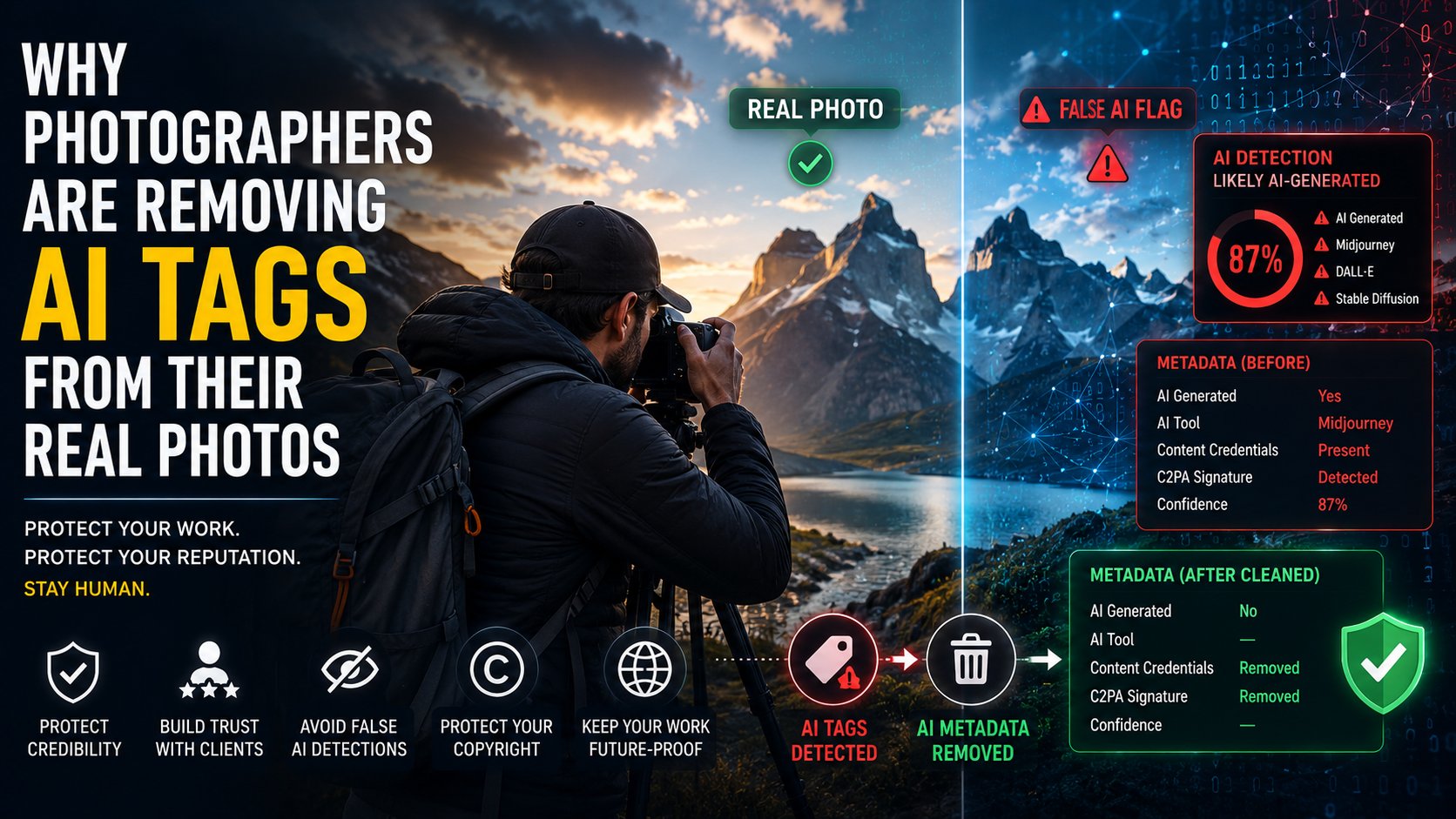
Photographers & AI Metadata: Why Real Photos Get Mislabeled as AI (2026)
In 2026, photographers AI metadata has become an unexpected battleground. Real photographs — unmanipulated, taken by human photographers with real cameras — are being flagged as AI-generated by automated systems. Not fakes. Not composites. Genuine images, rejected by stock sites, labelled on social media, and dismissed by editors because of how their metadata reads.
It is happening more often than you might think. And understanding photographers AI metadata — both how it gets misread and how to manage it — is now an essential professional skill.
How Real Photos Get Mislabeled as AI — The Photographers AI Metadata Problem
1. Editing Software Signatures
Heavy retouching in Photoshop — particularly skin smoothing, sky replacement (which uses AI internally), and generative fill — writes EXIF metadata that resembles or is identical to AI-generator metadata. The XMP:DigitalSourceType field may be set to “trainedAlgorithmicMedia” by Photoshop’s AI features even when applied to a real photograph.
2. Statistical False Positives
AI image detectors are trained on datasets with statistical biases. Certain types of photography can exhibit pixel-level statistics that resemble AI outputs and trigger false positives:
- Studio portraits with smooth, even lighting
- Product photography on clean white backgrounds
- Landscape photography with strong colour grading
- High-resolution images with significant noise reduction applied
3. Compressed and Re-uploaded Images
When real photos go through multiple rounds of social media compression and re-uploading, the resulting compression artefacts can interfere with the statistical patterns detectors rely on. A photo that correctly passed detection originally may fail after three rounds of Instagram compression.
4. Camera AI Features
Modern cameras — Sony, Nikon, Canon flagship models — now include computational photography features (subject recognition, scene optimisation, multi-frame HDR) that use machine learning. Some write metadata that detection systems incorrectly interpret as generative AI signatures. This is the core of the photographers AI metadata false positive problem.
Real-World Impact on Photographers
The consequences of photographers AI metadata mislabelling are not trivial:
- Stock site rejections: Getty Images, Shutterstock, and Adobe Stock all use automated AI detection. False positives mean revenue-generating photos get rejected without human review
- Social media labels: Facebook and Instagram’s “Made with AI” label appearing on genuine photographs damages credibility — especially for photojournalists
- Editorial rejection: News organisations increasingly reject images flagged by automated systems, even when the photographer can prove authenticity
- Portfolio damage: When an AI label appears under a photographer’s professional portfolio work, it casts doubt on their entire body of work
How Photographers Fix the AI Metadata False Positive
1. Strip and Re-add Clean Metadata
The most effective approach for photographers AI metadata issues: remove all metadata from the affected image using a clean stripping tool, then re-add only explicit, human-origin metadata — copyright, creator name, location, camera settings — using ExifTool or Lightroom’s metadata panel.
Use our free AI metadata remover for the stripping step, then re-add your personal metadata manually.
2. Use C2PA Camera Certification
Sony, Nikon, and Leica have released firmware that embeds C2PA “captured by camera” credentials at the moment of shutter release — before any editing. This creates a verifiable chain of provenance that proves human origin. The Content Credentials standard is the strongest protection against photographers AI metadata false flagging. If your camera model supports it, enable this feature now.
3. Keep Original RAW Files
RAW files from camera sensors carry inherently human-origin metadata (camera make, model, serial number, GPS, ISO, aperture, shutter speed) that is extremely difficult for AI generators to spoof. Providing the RAW alongside the JPEG for editorial and stock submissions is increasingly common practice for photographers facing AI metadata disputes.
4. Avoid Specific Photoshop AI Features for Sensitive Submissions
Photographers concerned about false detection are increasingly avoiding Photoshop’s AI-powered features — Generative Fill, Neural Filters, Sky Replacement — on images intended for sensitive publication, as these features may alter both the statistical fingerprint and the metadata in ways that trigger detection.
The Broader Issue for Photographers and AI Metadata
The false positive problem reveals a fundamental tension in AI content detection: systems designed to protect content authenticity are, in some cases, undermining the credibility of authentic content. The solution is not less detection — it is better detection, combined with human review processes that treat automated flags as evidence, not verdicts.
For photographers, the most actionable response today is understanding exactly what metadata your images carry and managing it deliberately. Whether you need to remove problematic metadata or verify your images carry proper human-origin credentials, the tools to do so are free and fast.
Fix Your Photographers AI Metadata Issues — Free
Remove AI-flagging metadata from your real photos before submission. Browser-based, no upload, works in 10 seconds.